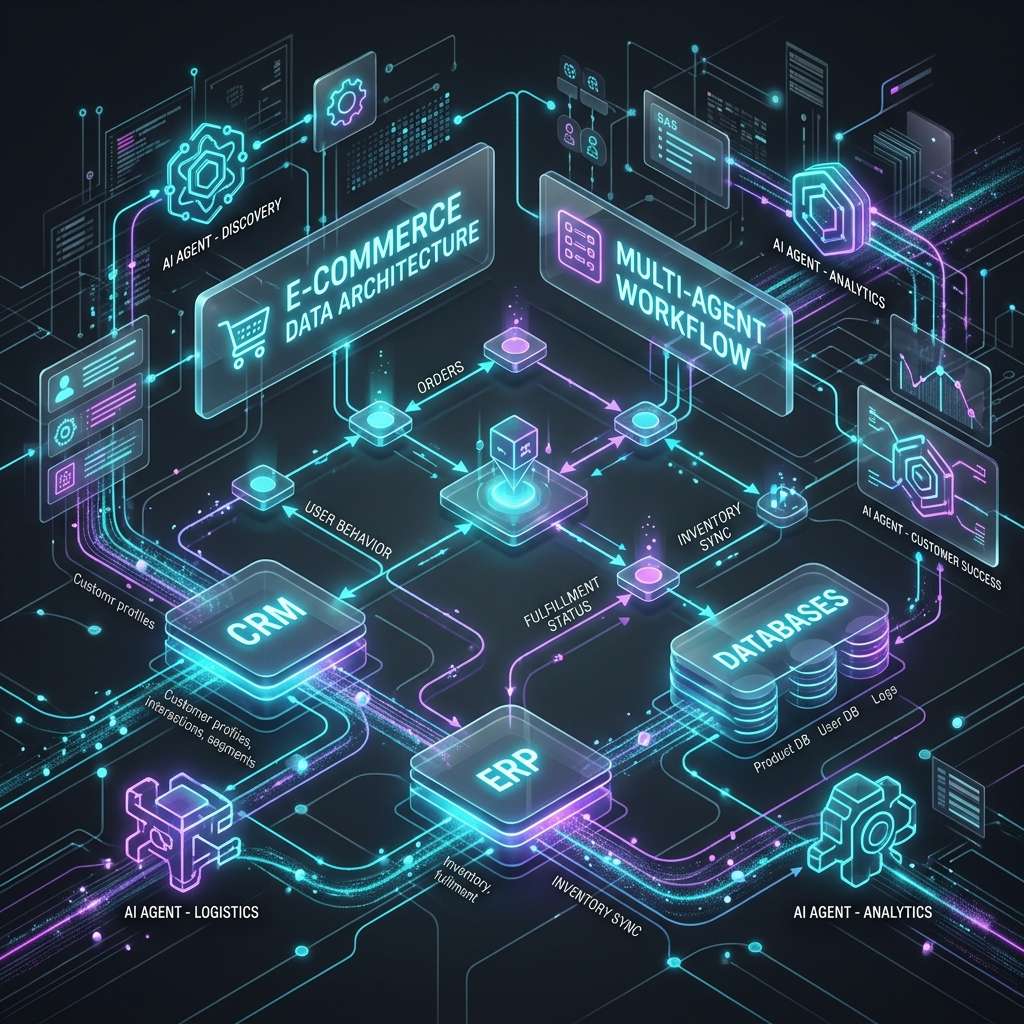
AI for Small Businesses Without IT Departments: Architecture, Costs, and Implementation
How small businesses can implement AI without an IT team and large budget. Analysis of cloud-based solutions, pricing models, and real ROI metrics.
Moving Beyond Corporate Budgets: The Infrastructure Shift
Implementing artificial intelligence in a small business once required substantial upfront capital for specialized consultants, custom hardware, and dedicated engineering teams. Today, similar utility is available through cloud services for a small monthly subscription, deployable in minutes. This shift from custom infrastructure to managed cloud services has fundamentally altered how smaller organizations adopt new technology.
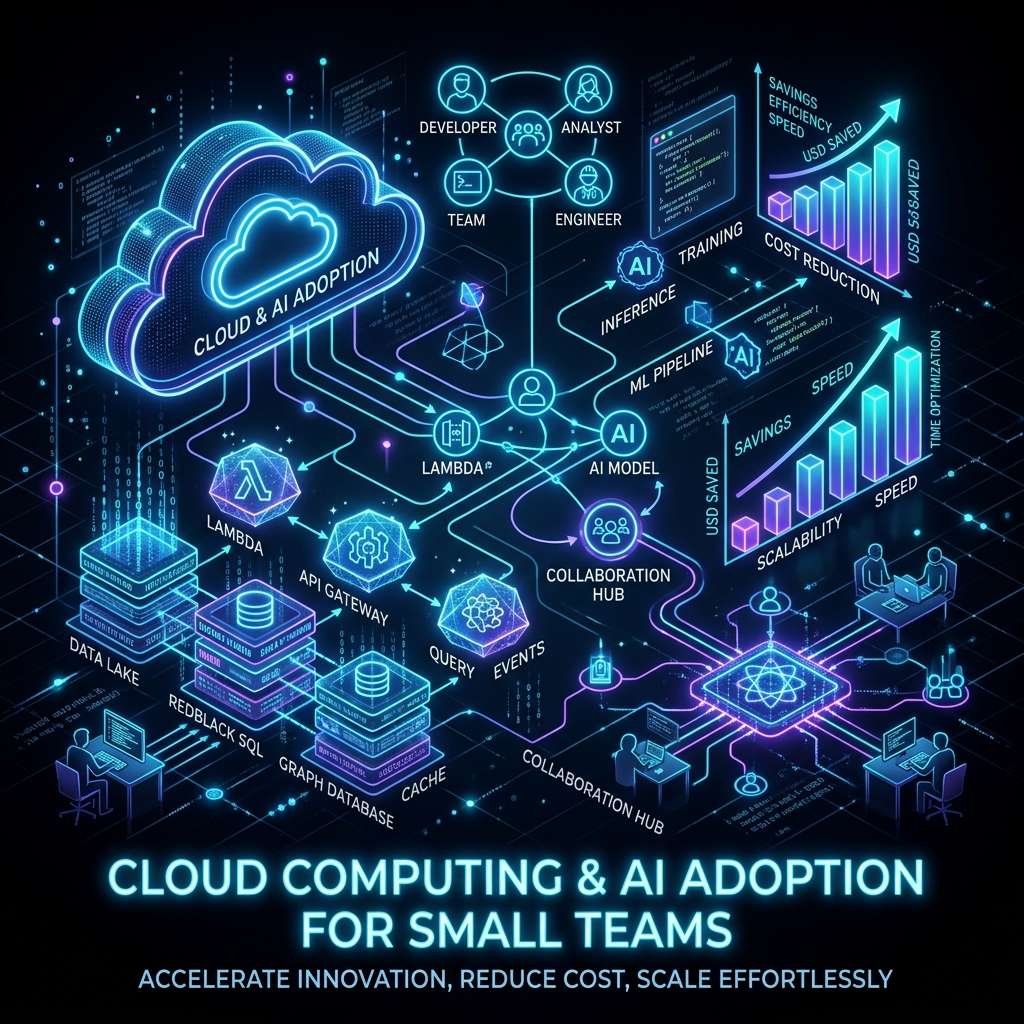
The Influence of Cloud-Native Services
The transition from bespoke development to web-based cloud solutions removes the operational hurdles that typically block small organizations. There is no longer a need to manage physical servers, hire system administrators, or license complex database software. A cloud-first setup requires only a modern browser and an internet connection.
Consider a hypothetical small financial services firm that automates its document review process by integrating a cloud-based classification service. Reviewing credit applications typically requires hours of manual document inspection and cross-referencing by specialists. With such a system, document analysis can happen in real time, contract drafts can be compiled automatically, and payment alerts can be managed programmatically – potentially cutting processing times from days to hours at a fraction of the cost of traditional software.
Cost Structures: Subscriptions vs. Capital Expenditures
Technology costs have shifted from capital expenditures (CapEx) to operational expenses (OpEx). Instead of paying thousands upfront, businesses pay small monthly fees based on usage [1][2]. Services range from marketing automation and transcription to basic customer service utilities [1].
The average small business spending on these tools is relatively modest, typically yielding operational cost reductions within months [2]. By contrast, maintaining equivalent on-premise infrastructure requires dedicated hardware investments and ongoing support contracts.
Analyzing the Digitization Gap
A notable paradox exists in modern technology adoption: while many businesses use automated tools, the deployment is highly uneven. Organizations with established digital channels adopt new tools at a much higher rate than those with minimal digital presence. The barrier is rarely financial, as the software is priced accessibly.
Instead, the issue is organizational and educational. A significant percentage of smaller businesses lack basic digital infrastructure, such as a functional website or automated bookkeeping. For these organizations, the transition to AI requires first building a basic digital foundation.
No-Code Interfaces and Integrations
The visual configuration of modern software eliminates coding as a prerequisite. Platforms for design, messaging, and email campaign management feature drag-and-drop systems, allowing non-technical staff to build workflows using visual nodes or natural language prompts [1]. This visual orchestration enables small teams to realize productivity improvements and cost reductions without software engineers [1].
Technical Architecture for Small Teams
A small business without a dedicated technical department requires a system that runs reliably without ongoing maintenance, server configuration, or system updates.
Cloud-First SaaS Architecture
Standard business tools operate entirely in the cloud, meaning the vendor manages hosting, scaling, and security updates. For instance, customer support platforms and communication suites run natively in the browser without local installations [5]. Vendors compete on ease of deployment rather than technical complexity, making quick setups the standard.
API-First Integrations
Modern software is designed to communicate via application programming interfaces (APIs). Visual integration platforms (such as Zapier or n8n) connect different applications, allowing data to flow from a customer relationship management (CRM) system to an email platform or calendar without manual entry.
For example, connecting client booking portals to accounting software allows immediate invoice generation. If a team decides to change a specific tool in the future, the API-first structure simplifies data migration, avoiding locked-in proprietary formats.
Selecting the Right Approach: Standard Models vs. Customization
When deploying language models, businesses choose between pre-trained systems and custom-trained models. Pre-trained models (such as GPT-4 or Claude) are available immediately but handle queries generically. Fine-tuning offers customization to a specific business domain but requires clean historical data, testing time, and budget.
For teams without software developers, standard models are the practical choice. Standard text generation and research assistants are sufficient for the majority of administrative use cases [5].
Custom fine-tuning should only be considered when:
- The business has gathered a clean dataset of over 10,000 domain-specific records.
- The operations involve highly specialized fields, such as law or medicine.
- The team can directly measure the financial return of incremental accuracy gains.
For instance, a specialized lending firm may only see a significant reduction in operational costs after fine-tuning a model on several years of its own historical transaction records to improve risk assessment accuracy.
Data Security and Isolation
Multi-tenant cloud architectures share physical infrastructure across clients while keeping data logically separated. When selecting vendors, non-technical teams must verify:
- Whether customer data is used to train public models (it should be opt-out or strictly isolated).
- The geographical hosting location of the data to ensure compliance with local regulations (such as GDPR).
- The availability of data export tools.
Even if an organization does not have a dedicated security team, customer privacy cannot be ignored. Sensitive customer data should not be entered into general, public portals. Organizations should prioritize vendors that provide standard security compliance certifications (such as SOC 2 or ISO 27001).
Cost Structure and Total Cost of Ownership (TCO)
While subscription fees for basic business tools are low, the true total cost of ownership (TCO) includes several indirect costs.
Calculating the True Cost of Adoption
Subscription fees are only one component of the budget. Total costs must include:
- Data preparation: Organizing, cleaning, and formatting historical records so the software can process them accurately. This often represents 30-40% of the project timeline.
- Training: The time staff spend learning to use the tools effectively.
- Human oversight: The cost of review procedures to verify automated outputs.
A business automating credit assessments, for example, must dedicate resources to clean historic transaction logs and train analysts to evaluate automated recommendations.
Minimizing Risk with Free Tiers
Starting with free tiers or trials allows teams to validate software utility before committing financially. Successful deployments typically follow a path of piloting on free tiers, verifying usability, and then upgrading to paid plans once productivity gains are confirmed [1].
Hidden Costs: Compliance and Oversight
Security compliance and content licensing are significant operational considerations. Public models cannot be used to process proprietary customer data without private endpoints [3]. Furthermore, marketing text and imagery generated by models must be reviewed to ensure they do not violate copyright or trademark regulations [3].
Human verification remains necessary. In professional service firms, automated document generation and billing systems require ongoing supervision by senior staff to verify accuracy during the initial deployment phase.
Case Studies and Practical Metrics
Illustrative Example: Automated Document Processing in Financial Services
Imagine a small financial services firm that implements a cloud-based document evaluation system to analyze applicant records. The system reads bank statements, calculates credit metrics, and drafts agreement templates. (This is a composite scenario, not a documented case study.)
The realistic goal is to shorten the evaluation cycle from several days to hours, significantly reduce manual review time, and replace manual tracking spreadsheets with automated status alerts – measured against the firm's own baseline. Such a system can integrate with existing banking portals via APIs, avoiding local hardware costs.
Essential Performance Metrics
When measuring implementation success, organizations track three primary areas:
- Productivity: Teams utilizing targeted cloud integrations report average productivity improvements and operational cost reductions within the first six months [1].
- Capacity: Automating administrative tasks (such as invoice matching, meeting scheduling, or customer support triage) allows existing staff to handle larger transaction volumes [2].
- Tool Costs: A typical small team spending of $150 to $300 per month on software subscriptions can replace hours of manual data entry, providing an immediate return on investment.
Implementation Challenges and Solutions
Smaller organizations face specific operational challenges during adoption. Many small business owners require assistance with basic digital tools before they can implement advanced automation.
Visual Tools First
Without developers, teams should prioritize tools that feature visual interfaces, allowing integrations to be built and maintained without writing code [1]. The most reliable method is to deploy a single tool to solve one specific problem, stabilizing the process before introducing additional software.
Data Privacy Rules
- Do not enter personal customer details, credit card numbers, or proprietary financial records into public text generators.
- Use dedicated, secure connections or verify that the vendor guarantees data privacy [3].
- Limit the use of generative tools to non-sensitive processes like drafting general templates, researching public trends, or formatting structured text.
Verification Workflows
Generative software is prone to mistakes and logical errors. Every automated workflow must include a verification step:
- The system gathers data and generates a draft.
- A human reviewer checks the output for accuracy.
- The content is approved and sent or published.
Directly connecting automation to customer-facing channels without human oversight introduces significant operational risk.
Action Plan: From Evaluation to Deployment
Step 1: Mapping Bottlenecks
Have the team track daily tasks for one week, noting repetitive actions that occur multiple times a day (such as copy-pasting client data, sending appointment reminders, or sorting incoming support mail). These repetitive tasks represent the primary targets for automation.
Step 2: Selecting a Pilot Tool
Select off-the-shelf software designed for the specific bottleneck. Avoid custom development projects, which carry high costs and long delivery timelines. Choose a tool that offers a trial period, connects to existing systems, and can be evaluated in under two weeks.
Step 3: Running the Trial
Run a trial over a set period (e.g., three months) to collect sufficient performance data. Track:
- Time saved: Hours recovered by the team.
- Accuracy: The rate of correct automation vs. errors requiring manual corrections.
- Adoption: The percentage of the team using the tool daily.
If the tool does not show clear performance improvements within the trial period, discontinue its use to avoid unnecessary subscription costs.
Step 4: Gradual Expansion
Once the initial tool is running stably, consider automating the next process. Assign one team member to act as the primary owner for the tool, responsible for documenting the setup and training other staff members.
This article was prepared with the assistance of AI tools for market data synthesis and thoroughly reviewed by the author (in compliance with Art. 50 AI Act transparency obligations).
P.S. If you are building automated pipelines or configuring integrations, using a capable code editor is essential. You can check out Cursor, which is an excellent tool for developers and technical business owners alike.
References
- AI in Small Businesses: Examples, Benefits & How to Start
- 10 Ways To Use AI In Your Small Business
- AI for small business | U.S. Small Business Administration - SBA
- Investigating the Challenges and Opportunities of Implementing AI and Automation in Small Businesses
- How Small Businesses Can Benefit From Artificial Intelligence
- 18 Best AI Tools for Small Business Growth in 2026 | Salesforce
- How Small Businesses Can Capitalize on Their Artificial Intelligence Opportunities | BizTech Magazine
- Understanding the use of AI among small businesses
Comments
Comments are powered by Cusdis. The widget only loads after you click.